
Why Stream to 3D? Watch 2D Video Your Way
Stream to 3D turns ordinary 2D video into stereoscopic 3D on a Windows PC. What you do with that 3D picture is your choice: watch it through a headset or XR glasses, send it to another player, display it with a 3D projector or spatial display, or create a file to keep.
One example of that choice: Stream to 3D converts the video on the PC, while Virtual Desktop presents it as a large 3D screen in a passthrough environment. A flat recording can show the workflow and scale, but not the stereoscopic depth seen inside the headset.
Watch on the screen you want
Stream to 3D is not tied to one headset or one viewing application. Customers use it with VR and mixed-reality headsets, XR glasses, 3D projectors and glasses-free spatial displays.
The receiving device does not need a special Stream to 3D application. It needs a compatible way to show the Side-by-Side or Top-and-Bottom 3D picture produced by the Windows PC. That gives you room to choose the viewing environment that feels right for you: a virtual cinema, a passthrough screen in your own room, a projected image or a glasses-free spatial display.
That flexibility is already being used well beyond headsets.
Choose how the picture gets there
- Play: watch immediately through a compatible Windows player, desktop-to-headset application or connected 3D display.
- Stream: send the converted picture across your local network to a compatible player.
- Convert: create a reusable 3D video file for later viewing.
These routes use familiar stereoscopic layouts and ordinary media or network delivery where appropriate. You are not required to keep the result inside a proprietary Stream to 3D player.
Two conversion choices
Fast real-time Temporal conversion is the efficient option and works across a broad range of Windows PCs. AI Depth Guided conversion uses estimated scene depth to create a different kind of 3D result and can take advantage of more capable graphics hardware.
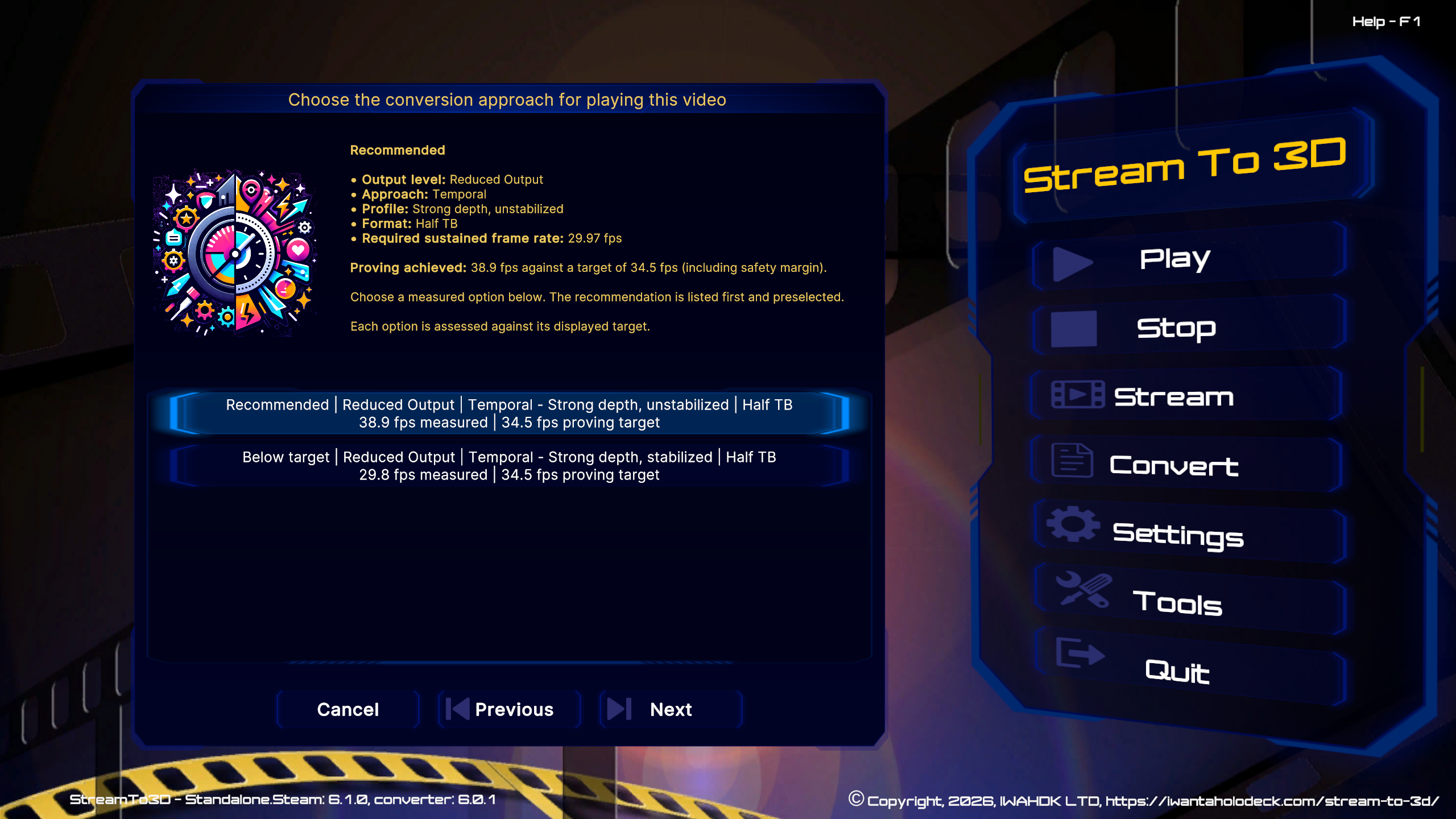
Neither method is the right answer for every video and computer. A high-frame-rate or high-resolution source can be more demanding than another film on the same PC. For real-time viewing, Stream to 3D can measure the selected video and recommend a suitable setup for that PC. If you prefer a more demanding result without a real-time deadline, Convert can create it as a file.
VR is one way to watch, not the boundary
With Virtual Desktop, the converted picture can appear on a large virtual screen, including in passthrough. Bigscreen provides another PC VR viewing route.
The same standard-output approach also supports compatible XR glasses, 3D projectors and spatial-display workflows. You can change the player or display without having to replace the converter simply because a new device has arrived.
Processed on your PC
Your source video and audio are processed on your Windows PC; they are not uploaded to IWAHDK LTD. Internet access is used for licence, subscription and feature validation as described in the Privacy Policy.
Start with the experience you want
Choose the display first, then follow the route that gets the standard 3D picture there. Stream to 3D supplies the conversion while compatible players and devices provide the final viewing experience.