

Subscription
64-bit Windows application
Stream to 3D
Turn 2D video and live content into immersive 3D.
Choose between Temporal and Depth Guided conversion for playback, streaming, saved 3D files and live video sources.
Windows 10/11 · Local processing · VR headsets, XR glasses, spatial displays and 3D projectors
Want to try it first? A one-week Real-Time trial is available. Current: Stream to 3D 6.1Four ways to work
Choose your source and workflow
Play
Convert while watching with a compatible Windows media player.
Real-time playbackStream
Send converted output across your network to a compatible player.
Streaming workflowsConvert
Create reusable stereoscopic video files, including batch workflows.
File conversionLive Sources
Use a PC screen, webcam or supported capture source as live input.
Live sourcesWhat to expect
Practical real-time 3D from your existing sources
Two complementary methodsUse efficient Temporal conversion or the AI-assisted Depth Guided method.
Real-time Depth GuidedAI-assisted Depth Guided can deliver real-time viewing on suitable GPU hardware. Specific additional acceleration support is available for NVIDIA RTX GPUs.
Broad real-time hardware coverageTemporal supports the widest range of hardware and does not require a high-end GPU.
Measure your own setupYour source stays on the PC while the Wizard tests the selected workload.
How it works
From a 2D source to stereoscopic output
- 1
Select a source
Choose a video file, PC-screen source, camera or supported capture device.
- 2
Choose suitable settings
Let the Configuration Wizard assess Temporal and compatible Depth Guided options, or use manual settings.
- 3
Play, stream or save
Generate the stereoscopic format required by the selected workflow.
- 4
Watch on your chosen display
Open the result in a compatible VR/XR player, spatial display or 3D projector workflow.
Real-time 2D to 3D
See Stream to 3D at work
See Stream to 3D Play produce Half Top/Bottom output, Virtual Desktop combine the two eye views, and the resulting 3D screen appear in a real room with passthrough.
See 2D → 3D examples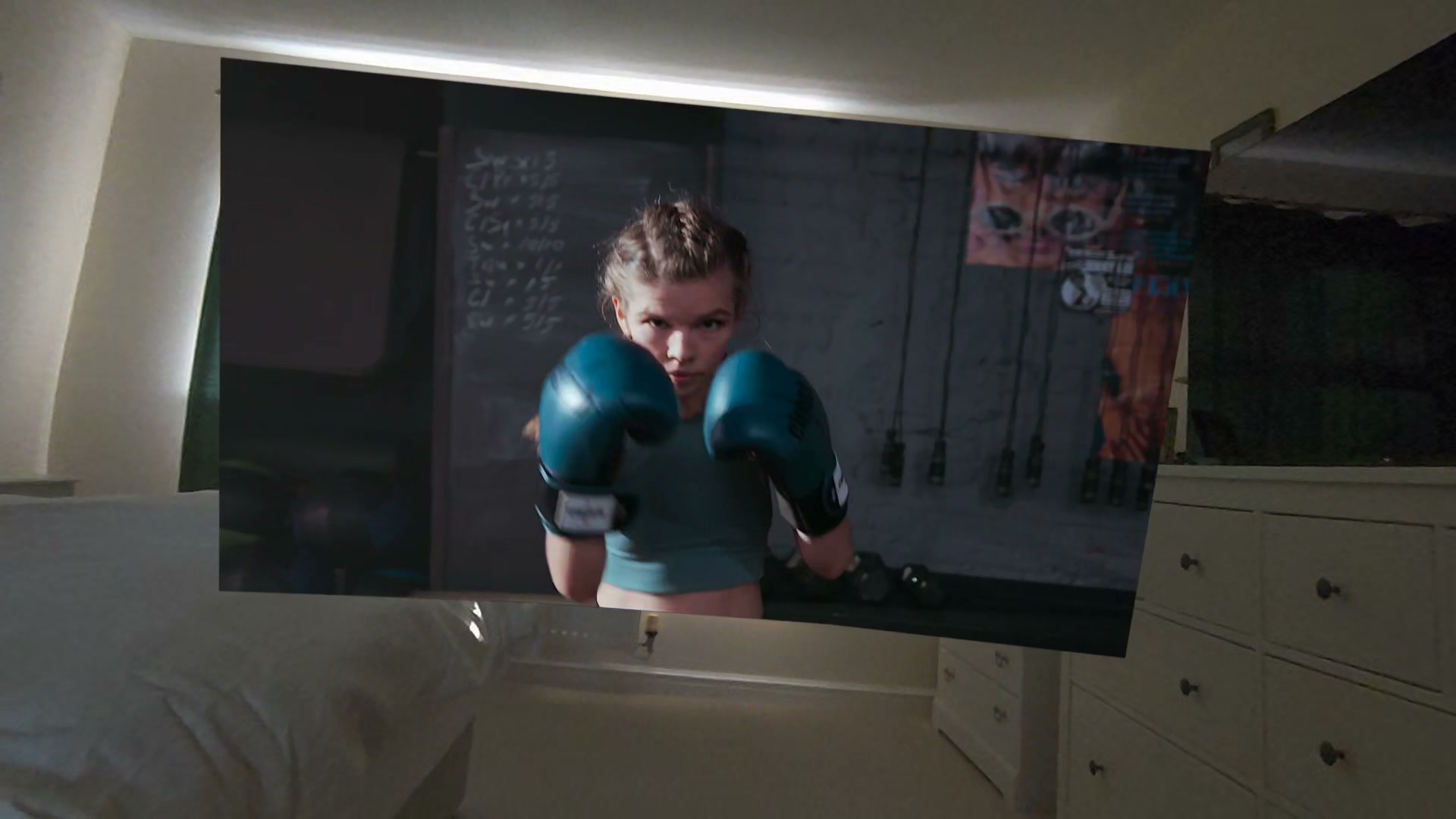
Customer feedback
Real viewing experiences
Public comments and reviews from Stream to 3D customers. Excerpts link to their Steam source where available.After watching for a while, I stop analysing the conversion completely... I am just watching the movie in 3D. For me, that is probably the strongest compliment I can give it.
This does what it says on the tin - and does it well... This is the full package.
It really works and was able to revive my 2D movie library with it. The Convert, Stream and Play option all work fine.
Proven in real-world use
Steam users alone have recorded more than 15,000 hours in Stream to 3D.
In the 3 October 2026 lifetime usage snapshot, 971 measured Steam users averaged 15 hours 42 minutes of recorded use. Around 270 had recorded five hours or more, more than 100 had recorded twenty hours or more, and the long-use tail includes around 50 users at 50+ hours and around 20 at 100+ hours.
Steam playtime measures time while Stream to 3D itself is running. It does not include later viewing of completed converted files in another 3D player.
See the full real-world usage evidence15,000+Steam-recorded hours
~270users with 5+ hours
100+users with 20+ hours
~50users with 50+ hours
Output destinations
Standard 3D output. Choose how you watch.
Stream to 3D is not tied to one headset, media player or display. It produces standard Side-by-Side and Top-and-Bottom/Over-Under stereoscopic output, so you can choose the compatible player, connection method and display that suit you. Use Play for immediate PC-based viewing, Stream for a compatible network player, or Convert to create a reusable 3D file. See proven players and display routes.- VR headsets and PCVR
- XR glasses
- Spatial displays
- 3D projectors
- Compatible media players
Configuration Wizard
Guidance for common setups
For real-time Play and Stream, the Wizard measures quality-ranked options using the selected source and recommends settings the current PC can sustain. Advanced controls remain available.
See how recommendations workLocal processing
Your source video stays on your PC
2D to 3D conversion is performed locally. Internet access is still used for documented services such as licence validation, updates and store integration.
Read the privacy policyChoose an edition
Start with the workflow you need
One-off purchase
Standalone
US $24.99 one-off Play, Stream, Convert. Full desktop capability through Gumroad, Itch.io or Steam. Choose a Standalone storeSubscription with trial
Real-Time
US $9 every 3 months after trial Play. For immediate playback without file conversion or network streaming. Start the one-week trialReference US prices; regional pricing and tax may apply. See Pricing for the canonical comparison.
Setup and support
Specialist software with a guided route to a working setup Documentation, guided configuration and direct support are available for player, headset, display and hardware-specific workflows.Major release
Stream to 3D Release 6

Two conversion methods and smarter recommendations
Release 6 combines established Temporal conversion, AI-assisted Depth Guided processing and source-specific recommendations across Stream to 3D's wider workflows.
Read the Release 6 overviewFrom the founder
Images, Invention and a Life in 3D
From early computer graphics, holography and image-processing research to Stream to 3D and today's spatial displays. The personal story behind iwantaholodeck.com.
Read the article