
Update to Stream to 3D Release 6
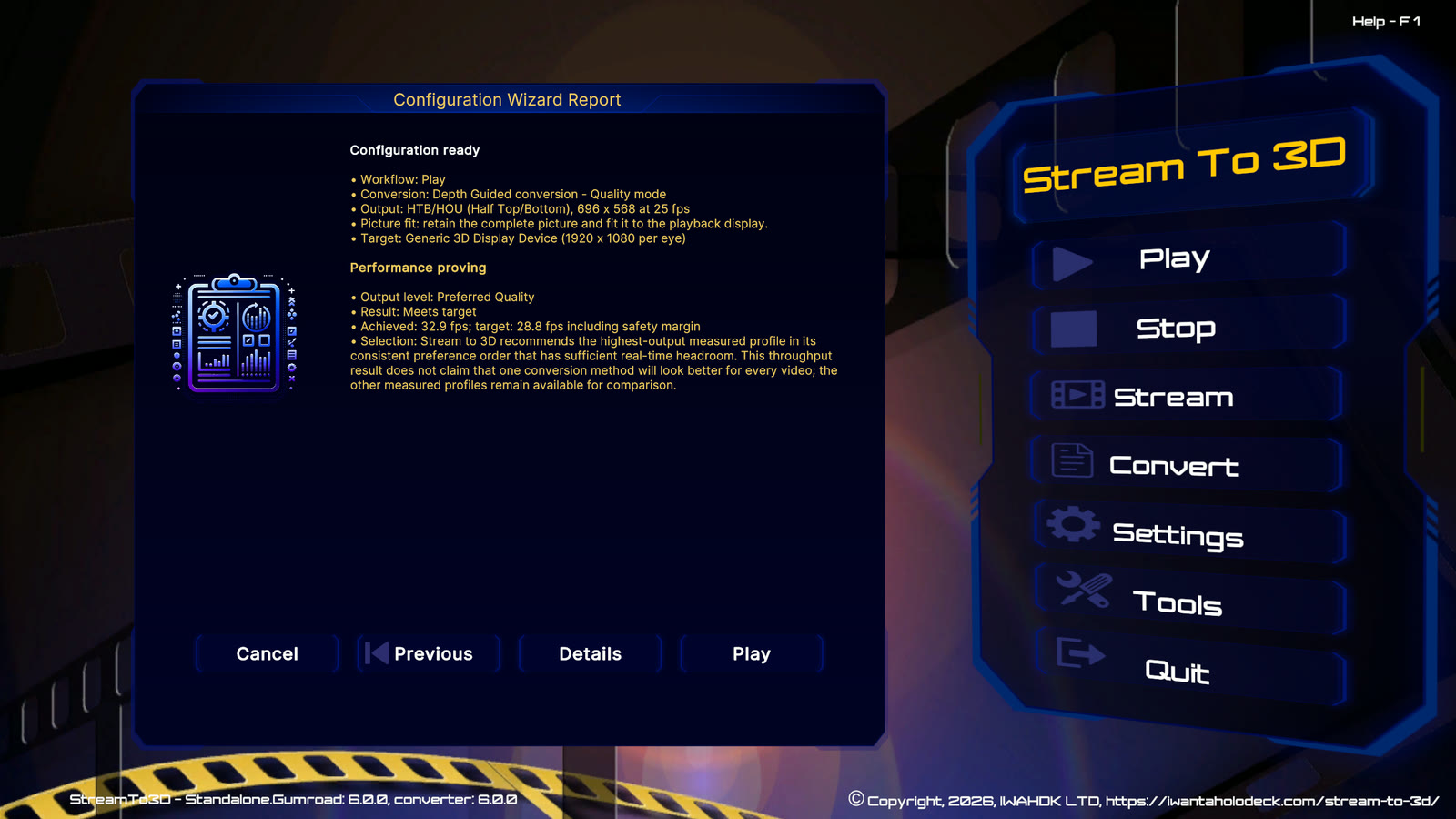
Release 6 adds enhanced Temporal conversion, the Depth Guided method and source-specific real-time recommendations. This guide explains the update behavior that differs from an ordinary maintenance release.
Before updating
- Close Stream to 3D and any media player or conversion process that it started.
- Keep the existing installation location unless you deliberately intend to move the application.
- Use the update supplied by the same store and edition as the installed product.
Supported earlier versions prompt when the Release 6 update is required. Steam installs through the Steam client. Gumroad and Itch.io use the current Windows installer from the applicable purchase or update route. See Install and Update Stream to 3D for store-specific steps.
One-time Release 6 settings reset
Release 6 deliberately starts from verified Release 6 application and Wizard defaults instead of silently reinterpreting earlier algorithm settings. The addition of a second conversion method and updated algorithm settings make some older choices ambiguous.
On first launch after the update:
- Review Settings > Tools and confirm the applications required for the intended workflow are detected.
- Open Settings > Wizard and select On, Auto or Off for the way you want Stream to 3D to apply settings.
- Use Play with a short, familiar 2D video file. Choose Compare and recommend when you want the source-specific real-time assessment, or choose Temporal or Depth Guided directly to skip proving.
- Review the Summary. Use Details when you want the reason for the recommendation and the nearest measured alternative.
What remains available
The Release 6 settings boundary does not remove:
- the store purchase, licence or Steam identity;
- feature entitlements;
- source or converted video files;
- user-created Live Source files and the contents of the Live Sources folder; or
- detected supporting-tool locations provided by the installer.
An exported configuration from an earlier feature version is not loaded into Release 6. Create a new Release 6 configuration after reviewing the current settings.
Depth Guided access
Complete and Real-Time subscriptions and eligible current Standalone purchases include Depth Guided. Some earlier Standalone licences, including earlier Steam purchases, require the corresponding feature upgrade.
- Do not purchase an upgrade unless Stream to 3D reports that Depth Guided is locked.
- If the feature is locked, follow the store-specific action shown by Stream to 3D.
- Using Depth Guided with a camera, capture device or PC screen requires both Depth Guided and Live Sources access.
See Depth Guided feature access for Steam, Gumroad and Itch.io activation steps.